Booking
Online class booking: how to set it up so members actually use it
Online booking saves your front desk time and gives members certainty about their spot. It only works when the rules are simple and the schedule is always right.

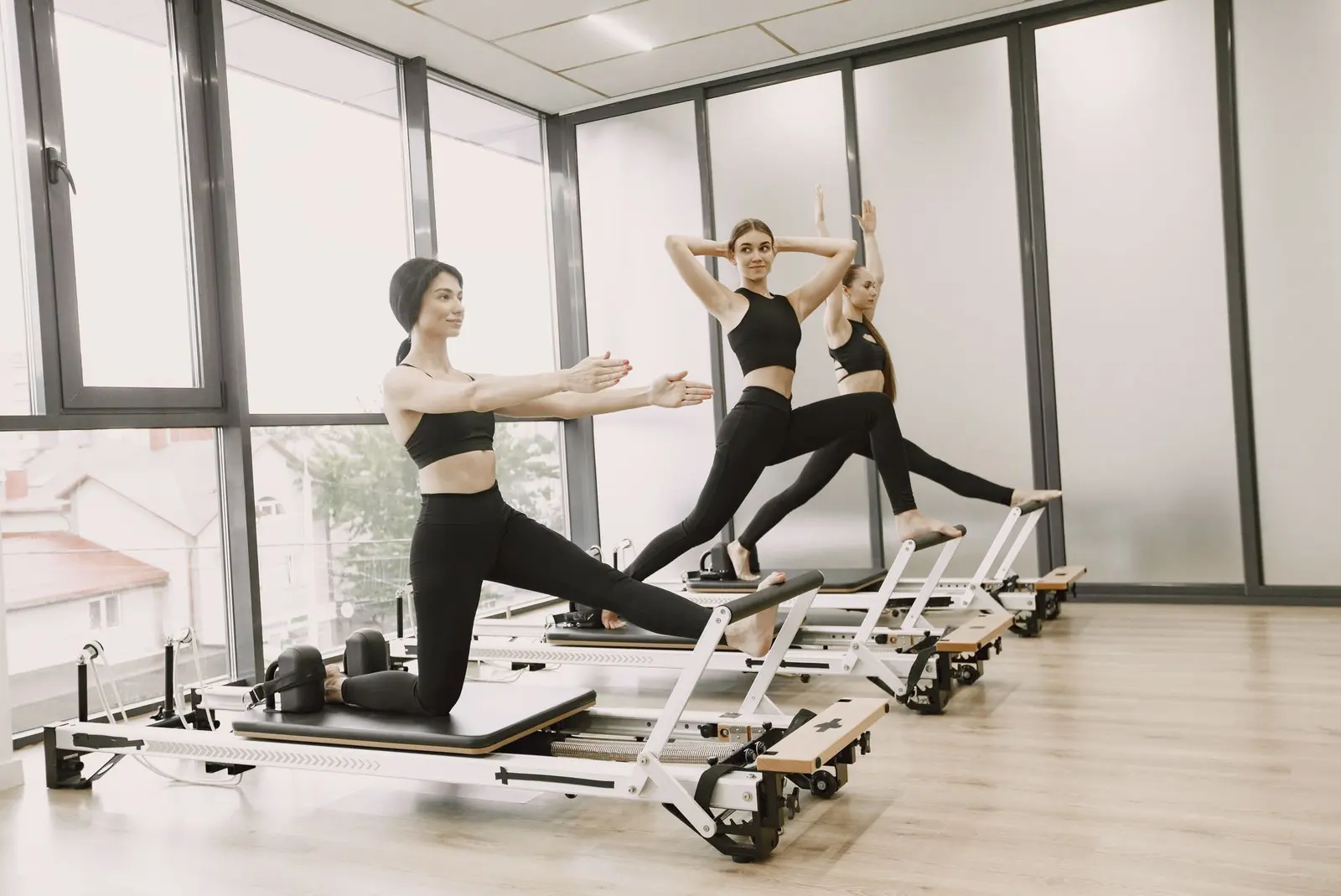
Photo: Pavel Danilyuk / Pexels
Decide your rules before you switch it on
- Capacity per class: based on space and equipment, not on hope.
- Booking window: how far ahead members can book, for example seven days.
- Cancellation deadline: until when a cancellation is free.
- Waitlist: whether a freed spot goes automatically to the next person.
Write these rules down once and show them next to the booking button.
Keep the schedule as the single source
When a class changes, change it in one place. Members should never find a different time on the website than at the door. That is why the schedule on your website and the booking system should be the same thing.
Make booking two taps on a phone
Most bookings happen on a phone, often just before or after a class. Show today and tomorrow first, the number of spots left, and a clear "Book" button. Logging in should be remembered.
Trial classes deserve their own flow
A newcomer does not know your class names yet. Offer a short list of beginner-friendly classes for trials, ask only for name and email, and send practical information by email: what to bring, where to park and who will welcome them.
Look at the numbers every week
Which classes are always full, which stay half empty? Online booking gives you that overview without counting at the door. Use it to adjust the schedule, not just to fill spots.
Online booking is part of the Studio plan. See how it fits together on the features page, or read how to reduce no-shows.